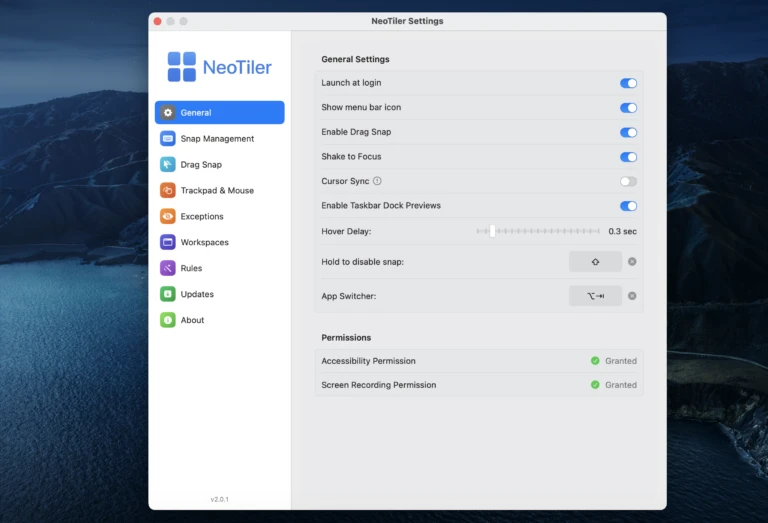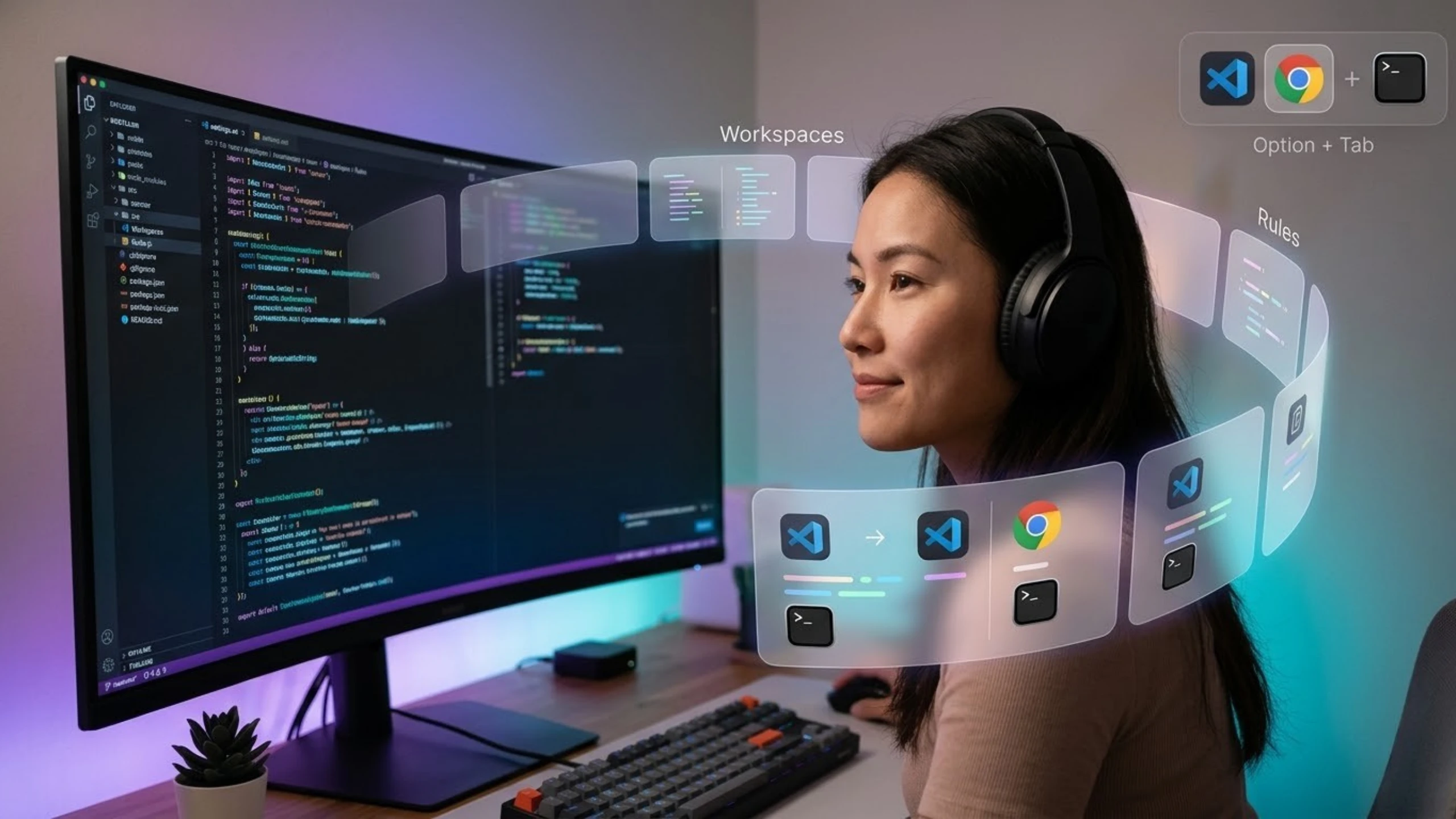
How to set up the perfect screen layout for developers? As a software developer, I never actually asked myself this question, but I can say I directly produced the solution. Before starting, I want to talk about the experience I had. I used to repeat manual tasks like opening tools I used in Neotiler and my previous projects and moving them to positions I’m familiar with and love to use every time I turned on my computer to work on my projects.
You can imagine that this situation turns into a distinct workload, especially when you use two or more screens. That’s why I aimed to end these problems I experienced with Neotiler, and I think I succeeded; because I did.
1- How do I save and restore my app layout on Mac?
I mention every time that this might be my favorite feature in my app because I really love it. If you ask why, this is the feature that most clearly solves the problem I mentioned above.
The main reason I added this feature is the problem I experienced and the one I think you also experience. Let me quickly explain how it works: First, whether we want to work or we don’t have to work maybe we just want to spend some time and rest a bit, it doesn’t matter. We prepare our environment; meaning if it’s work, we open our work programs, set them in the positions we want them to be, and simply say “save workspace” via Neotiler. Here, we can give a name to our workspace area, assign a shortcut, and also choose an icon.
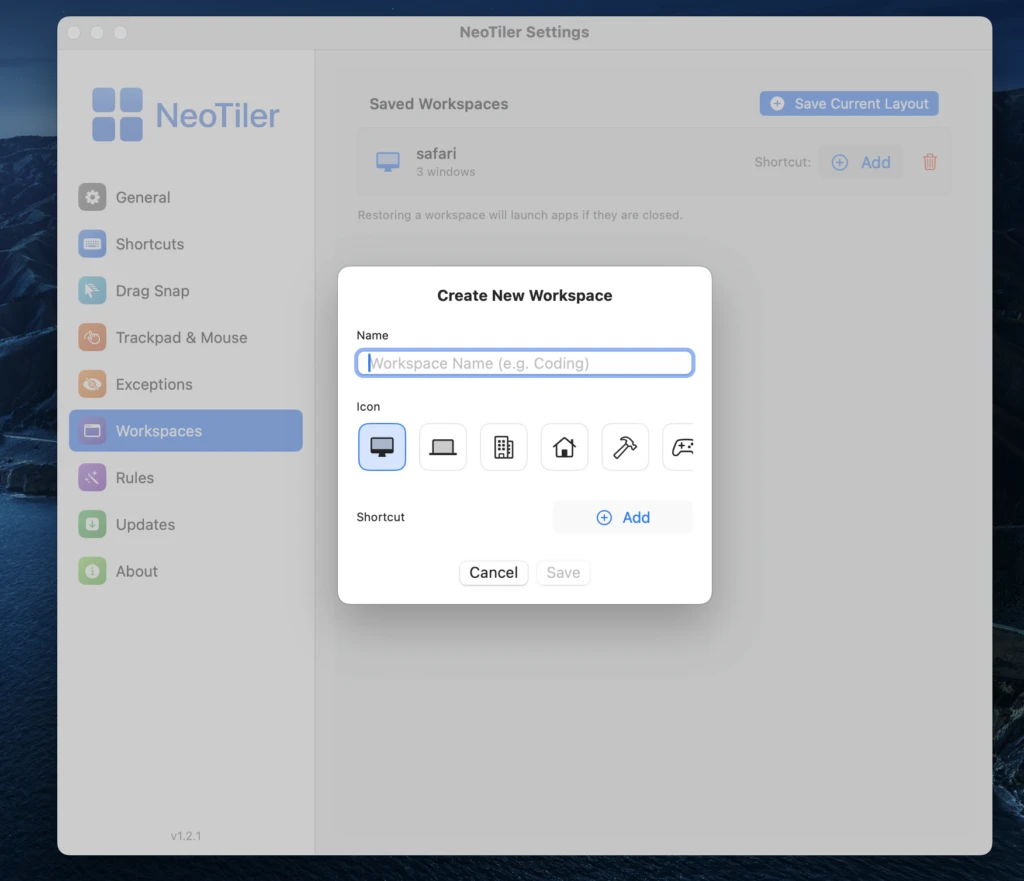
Thanks to all these features, the ease of use is carried to a better level. When I turn my computer off and on, Neotiler starts working in the background immediately; I don’t need to start it. I can immediately see my applications opening in their saved positions by pressing my shortcut keys. Or, if I just want to rest, I can open that layout at the same time by pressing that shortcut.
2- How do I make an app always open in the same position on Mac?
The workspace feature I mentioned above offers a more general scope, but if I am going to open only one application at that moment and I want that application to open only in a specific position, then our rules feature is exactly what we want.
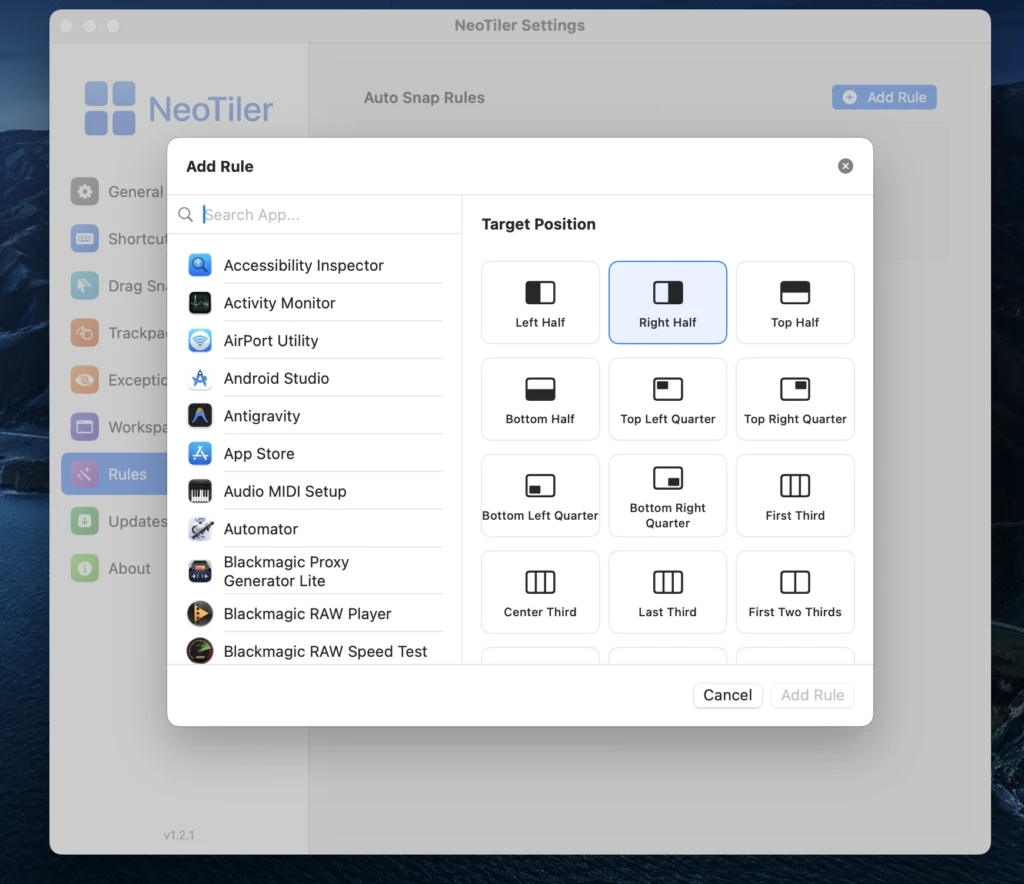
Thanks to this feature, I can select any application installed on the system from the rules tab and assign a specific position to it. This way, I can start a single application in the position I want every time I open it.
3- Switching Between Applications
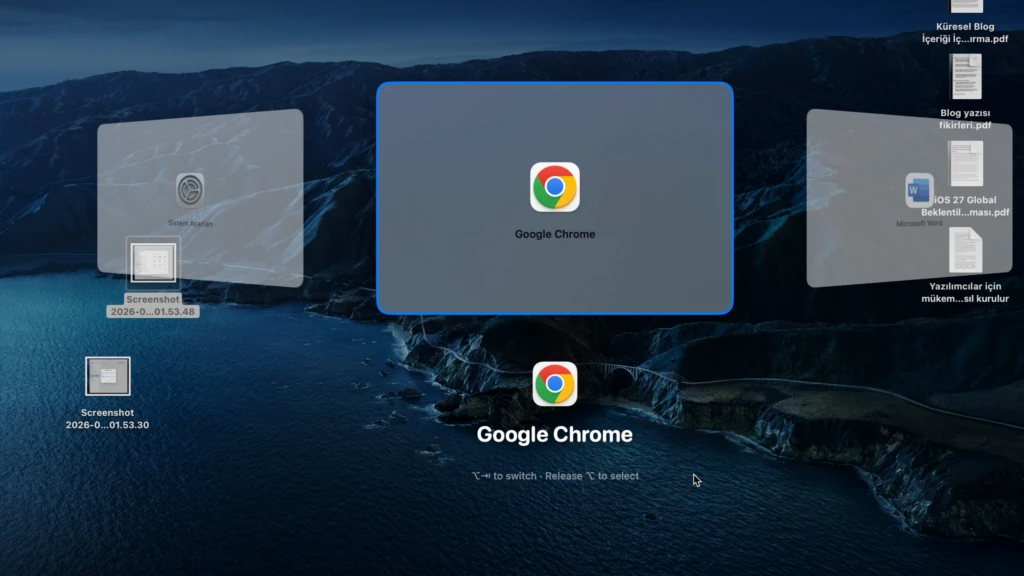
The feature I want to mention in this part is actually available in macOS by default, but seeing a few of its shortcomings, I felt the need to add that feature to Neotiler in a more functional way. What is it and how does it work? In macOS, when we do “Command + Tab,” we can switch between applications, but this system is insufficient; because if the application is currently minimized to the bottom right, the system thinks it has switched to that application but does not enlarge that application on the screen. This actually leaves the basic logic expected from this feature incomplete. Therefore, thanks to this combination for example, “Option + Tab” or completely at your freedom which we can specially assign in Neotiler, we can switch between applications in a more stylish way, while also making a minimized application ready for use directly as the foremost on the screen.
Conclusion
Briefly, I have told you how we solve the basic problems we experience with the application I developed based on a problem I experienced. My application will always continue to be developed. Additionally, I want to state that I have 10-language support. If you also think you are experiencing the problems I mentioned, or if you just want to have a easier and more functional Mac experience, you can try it completely free for 14 days. You can reach me through all my communication channels and provide feedback. If you want to compare it with applications that previously existed in this field and get ideas, you can also read my objective evaluation.


 Veysel Okatan